One Tool to manage your devices

In some setups, engineers often need to check device status, open web interfaces, apply configurations, update firmware, and run basic traffic generation tasks across multiple Technica Engineering devices. Without SPARTAN, this typically means going device by device.
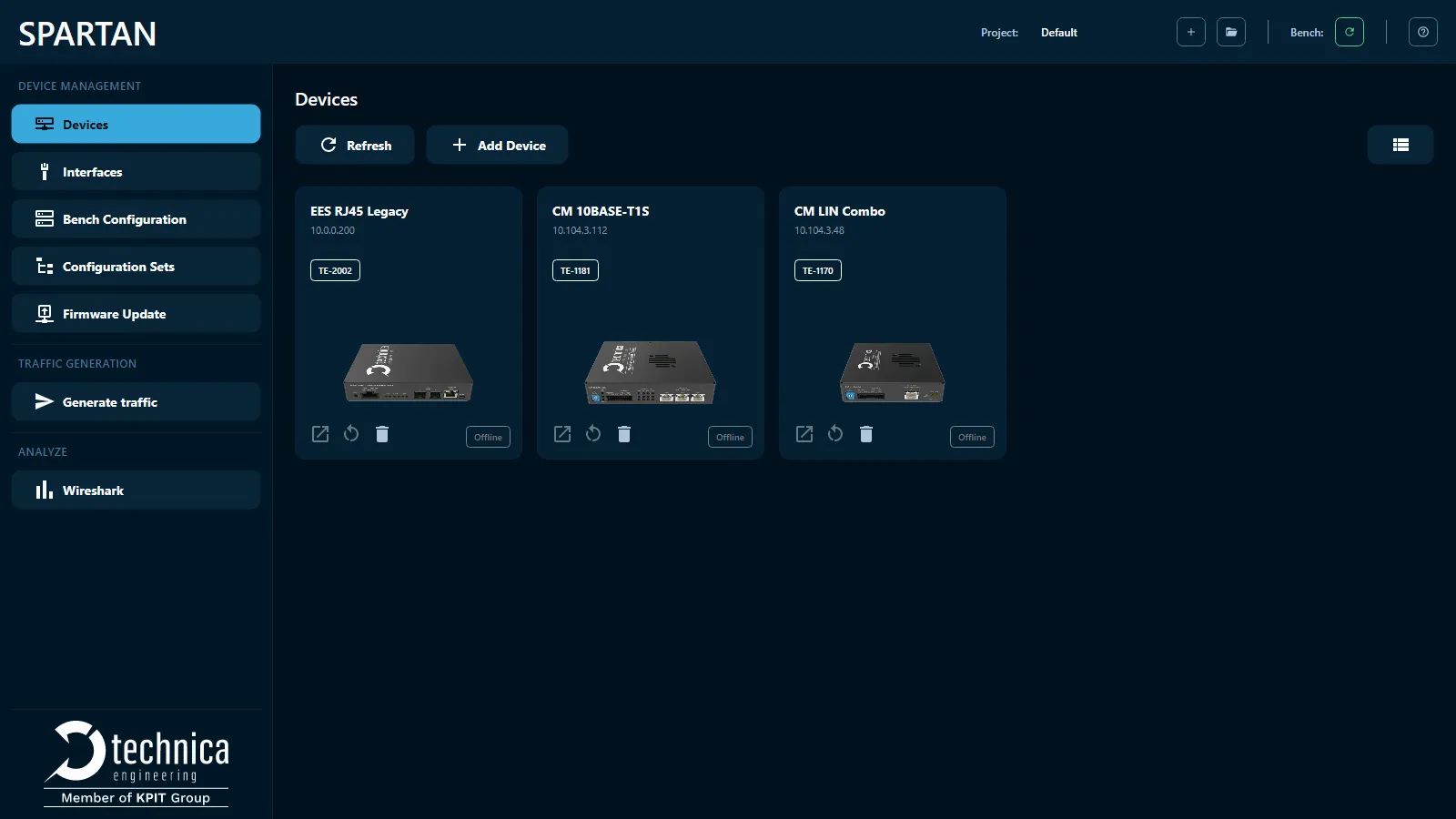
SPARTAN simplifies this workflow by giving engineers one desktop application to discover connected devices, view device status, apply configuration sets, update firmware, create send jobs, and launch Wireshark.

The Challenge

Managing multiple devices one by one slows down bench workflows. SPARTAN introduces a streamlined approach to bench configuration.

Without SPARTAN

  • Fragmented statistics view across devices
  • Manual configuration of each device
  • Manual IP address tracking
  • Time-consuming firmware updates

With SPARTAN

  • Single interface for entire bench
  • Bulk configuration capabilities
  • Automatic device discovery
  • One-click firmware deployment

Start using SPARTAN in three steps

01. Download

Download SPARTAN from the Technica customer portal

02. Connect your Technica Engineering devices

Connect your Capture Modules, MediaConverters, or Enhanced Ethernet Switches to your lab bench or test bench setup. As long as your PC can open the device web page, SPARTAN can communicate with the device.

03. Discover and manage your bench

SPARTAN discovers devices automatically via network broadcast on startup. You can also click Refresh to trigger manual discovery and start managing your bench from one interface.

Core Capabilities

Everything you need to manage complex lab setups efficiently.

Device Discovery

Find and access Technica Engineering devices on your network

SPARTAN automatically discovers known Technica Engineering devices and shows their status, address, software version, and connection details in card or table view. Clicking a device opens its web interface in a built-in browser window.

Interfaces

Faster and efficient troubleshooting

SPARTAN provides a single, consolidated view of all connected device interfaces, including live status, counters, and error statistics. It eliminates the need to check devices one by one, making bench monitoring and troubleshooting faster and more efficient.

Bench Configuration

Apply configurations across your test bench

Select a configuration set or individual configuration files and push updates to matching devices from one interface. SPARTAN matches each file to a device by IP address and shows whether the current configuration matches the selected one.

Configuration Sets

Organize and reuse device configurations

Create and manage groups of configuration files that can be imported from files, traces, or connected devices. These configuration sets can then be used in the Bench Configuration view to update devices.

Firmware Update

Update firmware and licenses from one place

SPARTAN automatically downloads firmware updates from customer portal. It discovers known Technica Engineering devices and shows their status, address, software version, and connection details in card or table view. Clicking a device opens its web interface in a built-in browser window.

Traffic Generation

Create simple CAN, LIN, or Ethernet send jobs

Use SPARTAN to configure network messages and transmit them on selected device channels. Jobs can be sent cyclically at a defined interval or triggered as one-shot messages.

Wireshark Integration

Launch Wireshark directly from SPARTAN

SPARTAN lets you launch Wireshark with a generated profile applied, helping engineers move from bench setup to network analysis more easily.

Built for Technica Engineering bench setups

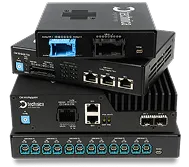
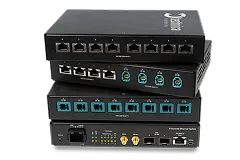
SPARTAN is designed for engineers working with Technica Engineering products in lab and test benches. It works seamlessly with:
Whether you are working with a single device, a small desktop setup or a larger bench with multiple connected devices, SPARTAN gives you a clear view of your devices, their status, and the configurations applied.

Start Managing Your Bench with SPARTAN

Download SPARTAN and manage your Technica Engineering products from one unified desktop application.